
How to Create AI Fashion Models
Learn how to create AI fashion models step by step, from product photos and model setup to prompts, quality checks, legal disclosure, and choosing the right AI fashion tool.
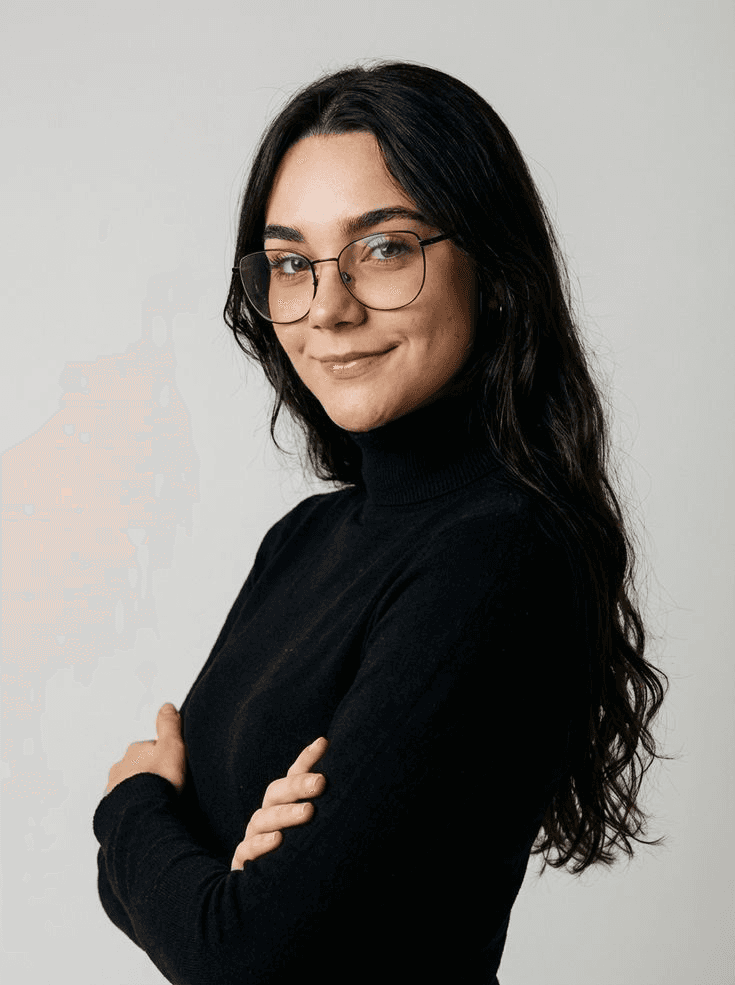
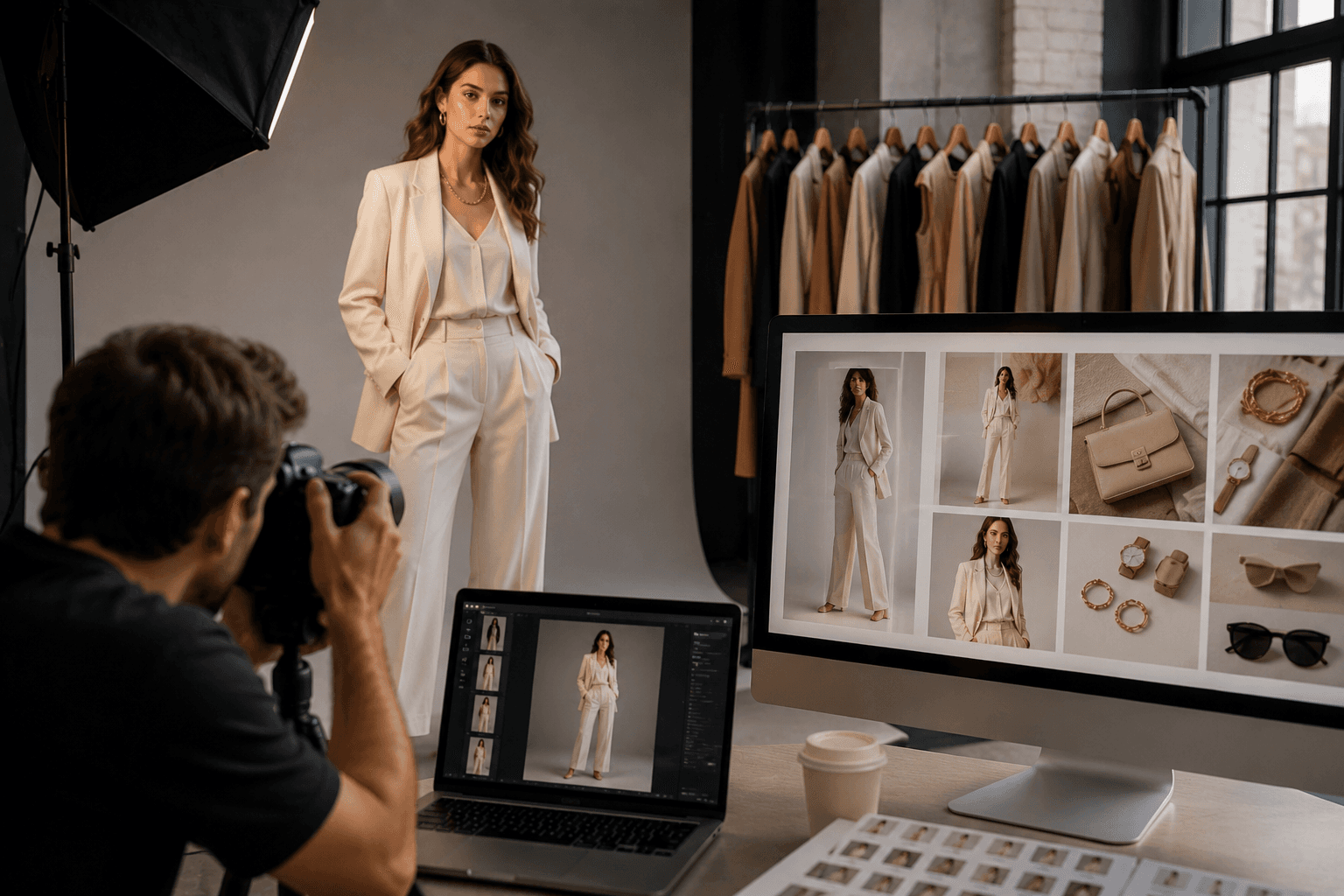
A few years ago, getting one good product photo on a model meant booking a photographer, hiring a model, renting a studio, and waiting days for edited pictures. For a small clothing brand, that could eat up a big part of the monthly budget.
Today, you can create a realistic AI fashion model and dress it in your own clothes in a few minutes. Tools built for AI fashion photoshoots have made this possible for almost any seller. But not every AI image is good enough to sell with. Some look fake, and some change the shape of your dress or distort your print.
In this guide, you will learn how to prepare your photos, build your model, write better prompts, fix common problems, and stay on the right side of new AI rules.
What Is an AI Fashion Model?
An AI fashion model is a digital person made by software. This person does not exist in real life, but looks like a real human in photos. You can dress this model in your real clothes, shoes, or bags and place it in any scene you like. This process is often called virtual try-on.
The important part is this: the model is made by AI, but your product stays real. A good AI tool should show your garment exactly as it is, with the same color, cut, length, and print.
- Product pages on Shopify, eBay, Daraz, Amazon, or your own website
- Instagram and Facebook posts
- Paid ads and campaign images
- Lookbooks and catalogs
- Testing new designs before making physical samples
Why Brands Are Moving to AI Models
- It saves money by reducing studio rent, model fees, and travel costs.
- It saves time because new products can go live the same week they arrive.
- It keeps your look consistent by reusing the same model face across your catalog.
- It shows more variety across skin tones, body types, and ages.
AI is a tool, not magic. The quality of what you get depends on what you put in. The following steps will help you get better, more realistic results.
Step by Step: How to Create AI Fashion Models
Step 1: Take a Clear Photo of Your Product
This is the step most people rush, and it is the reason most AI images fail. The AI can only work with what it sees.
- Show the full garment, including neckline, sleeves, and hem.
- Use even lighting with no harsh shadows.
- Use a plain background, like a white wall or sheet.
- Avoid wrinkles or folds that hide the shape.
- Make sure prints, logos, and buttons are sharp and clear.
Avoid photos taken on messy beds, hangtags covering the design, dark yellow indoor lighting, and blurry phone shots. A simple flat lay near a window often gives better results than a rushed mannequin shot.
Step 2: Create or Choose Your Model
Decide who will wear your clothes by thinking about your real customers. Your model should feel like someone your buyer can relate to.
- Gender and age
- Skin tone
- Body type and height
- Hairstyle and hair color
- Facial expression
If you sell to different customer groups, build a small set of three or four models instead of just one. This gives you variety while keeping your brand look steady.
Step 3: Upload Your Product and Style the Look
Upload your product photo and let the AI place it on your model. Many tools also let you add shoes, bags, glasses, caps, or other styling items to complete the outfit.
- Start with one main item so the AI does not confuse the garment.
- Hats, glasses, and bags usually work well.
- Fine jewelry and very detailed accessories need closer checking.
- If you do not want shoes, say so in the prompt.
Step 4: Set the Pose, Background, and Lighting
Pick a pose and scene that match where the image will be used. Product pages usually work best with plain white or light gray studio backgrounds and front-facing poses. Instagram posts can use outdoor streets, cafes, gardens, or relaxed walking poses. Paid ads can use bold colors and confident eye contact. Lookbooks can use editorial settings and dramatic full-body poses.
Always make your first image a plain studio shot. A busy background can hide mistakes like a changed hemline or a missing button. Once the product looks right on a plain background, then try lifestyle scenes.
Step 5: Write a Simple, Clear Prompt
If your tool uses text prompts, keep them short and specific. Plain instructions work better than long descriptions full of adjectives.
Weak prompt: A beautiful, stunning, elegant, amazing model looking gorgeous in a lovely setting. Strong prompt: Full body shot, woman in her 20s, standing in a sunny park, soft natural light, looking at camera, dress fits loosely.
- Shot type: full body, half body, or close up
- Setting: studio, street, or beach
- Lighting: soft daylight, golden hour, or bright studio
- Pose or action: standing, walking, or sitting
- Garment fit: loose, fitted, or oversized
Step 6: Generate a Few Options, Not Just One
Do not stop at one image. Generate a small batch so you have options to choose from. The difference between the first and fourth result can be surprising.
Step 7: Check Every Image Before You Publish
A pretty face and nice background mean nothing if your product looks different from the real thing. Always zoom in and check the details.
- Is the color the same as the real product?
- Is the length correct?
- Are prints and logos clear, not blurred or twisted?
- Are buttons, zippers, and pockets in the right place?
- Do the hands and fingers look natural?
- Does the fabric look like the real material?
If the AI changed your product, do not try to hide it with editing. Take a better product photo and generate again. Showing customers a different product than what they receive leads to returns and bad reviews.
Common Problems and How to Fix Them
- If the print looks blurry or twisted, use a sharper, front-facing product photo with no folds over the print.
- If the garment length or shape changed, upload a complete flat lay showing the full shape.
- If the model looks too smooth or fake, pick natural lighting and outdoor scenes.
- If the pose hides important details, choose a simpler pose like standing straight.
- If different products look like different photoshoots, reuse the same saved model, pose style, and background.
- If hands or fingers look odd, choose poses where hands are relaxed at the sides or in pockets.
Is It Legal to Use AI Fashion Models?
Using AI models is legal, but some places now require you to tell people when you use them, especially in ads. New York's AI Transparency in Advertising and Synthetic Performer Disclosure Law took effect on 9 June 2026. The EU rules are broader and require clear labeling when content looks like a real person. This section is general information only and is not legal advice.
- Add a short line like Model created with AI on paid ads.
- Keep a record of which images are AI generated.
- Never use a real person's face without written permission.
- Keep your original product photo on file.
- Check the rules in the countries where you sell.
How to Pick the Right AI Fashion Model Tool
There are many tools out there, and they all claim to be the best. Instead of trusting marketing claims, test a few with your own products.
- Product accuracy: Does it keep your garment's color, cut, and print correct?
- Model control: Can you choose skin tone, body type, age, and pose?
- Consistency: Can you save a model and reuse it across shoots?
- Store connection: Can it send images straight to your online store?
- Video option: Can it make short videos for Reels and TikTok?
- Commercial rights: Are you allowed to use the images for business?
- Free trial: Can you test it before paying?
Test your hardest products first, like heavy prints, sheer fabric, embroidery, or trousers. If a tool handles those well, it will likely handle the rest.
Final Thoughts
Creating AI fashion models is no longer a skill only big brands can afford. With a clear product photo, a well-planned model, and a careful review process, even a small seller can get studio-quality images at home.
- Good input means good output. Spend time on your product photo.
- Accuracy comes first. Never publish an image that shows a different product.
- Be honest. Label AI images where needed and build trust with your buyers.
Frequently Asked Questions
Can I create AI fashion models for free?
Yes, many tools offer free credits to start. Fashion Studios gives free credits when you sign up, so you can test the process before choosing a paid plan.
Do AI fashion models look real?
Good tools create very realistic results, especially with natural lighting and simple poses. Most customers cannot tell the difference, which is why checking your product accuracy and labeling ads is important.
What kind of product photo works best?
A clear flat lay or mannequin photo with even lighting, a plain background, and the full garment visible. Avoid wrinkles, hangtags, and dark indoor lighting.
Can I use the same AI model for my whole collection?
Yes. Most tools let you save a model and reuse it. This keeps your brand look consistent across all product pages.
Will AI models work for traditional or eastern wear?
It depends on the tool. Items like dupattas, heavy embroidery, and layered outfits are harder for AI. Always test a few pieces first and check the details closely before using them in your store.
Can I use AI model images on Amazon or Shopify?
Usually yes, but each platform has its own image rules, and some main image slots have strict requirements. Check the current seller policy of each marketplace before uploading.
Do I need to tell customers that my model is AI generated?
In many places, yes, especially in paid ads. Even where it is not required, labeling builds trust with buyers.
Can AI fashion models replace real photoshoots completely?
For product pages and social posts, many brands now rely mostly on AI. For big campaigns or brand stories, some still mix AI with real shoots. The best choice depends on your budget and brand style.
Other Blogs
View All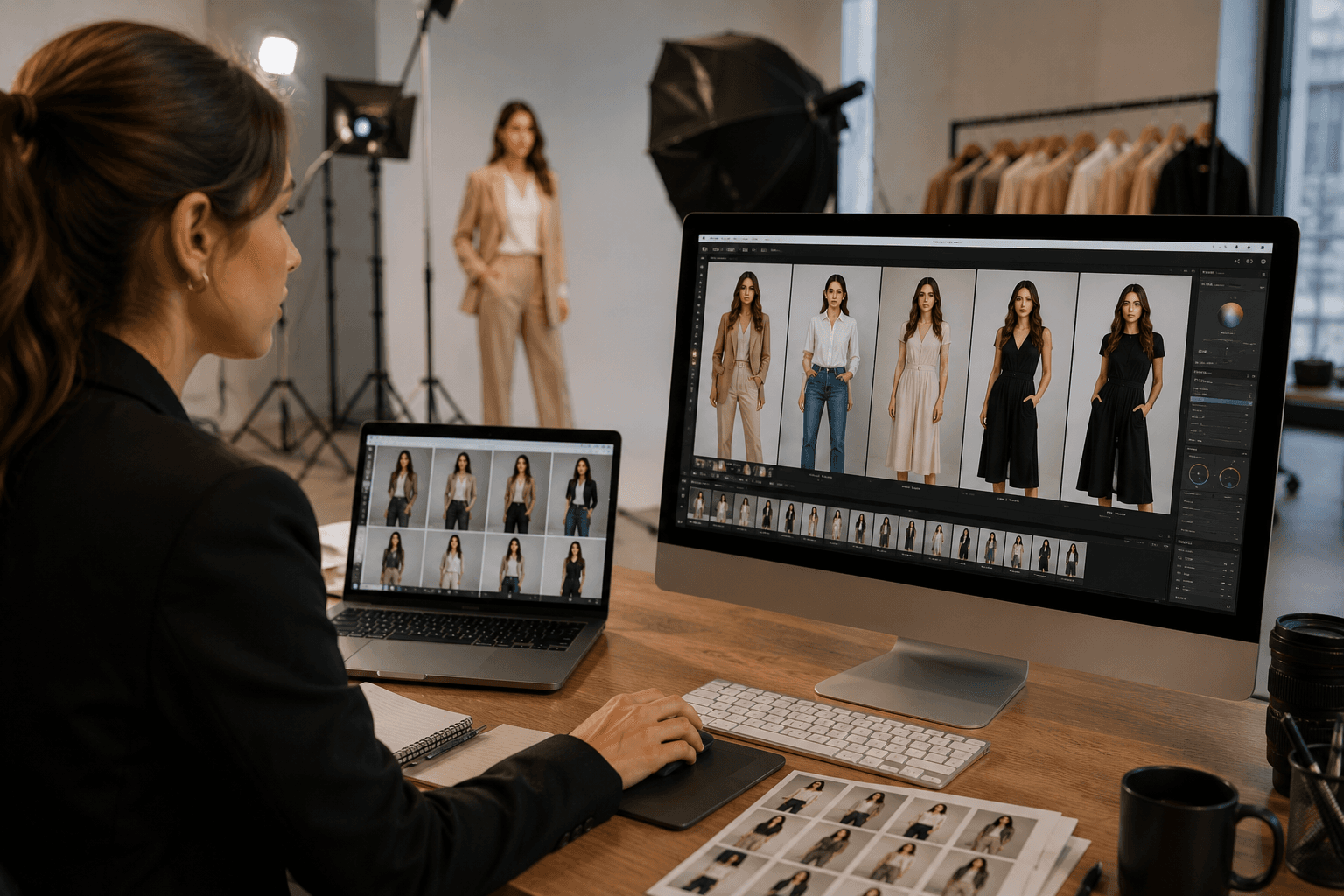
How AI is Transforming Fashion Production & Photoshoots
The fashion industry is evolving faster than ever before. Traditional fashion production workflows that once required photographers, studios, models, makeup artists, stylists, and complex logistics are now being transformed by artificial intelligence.
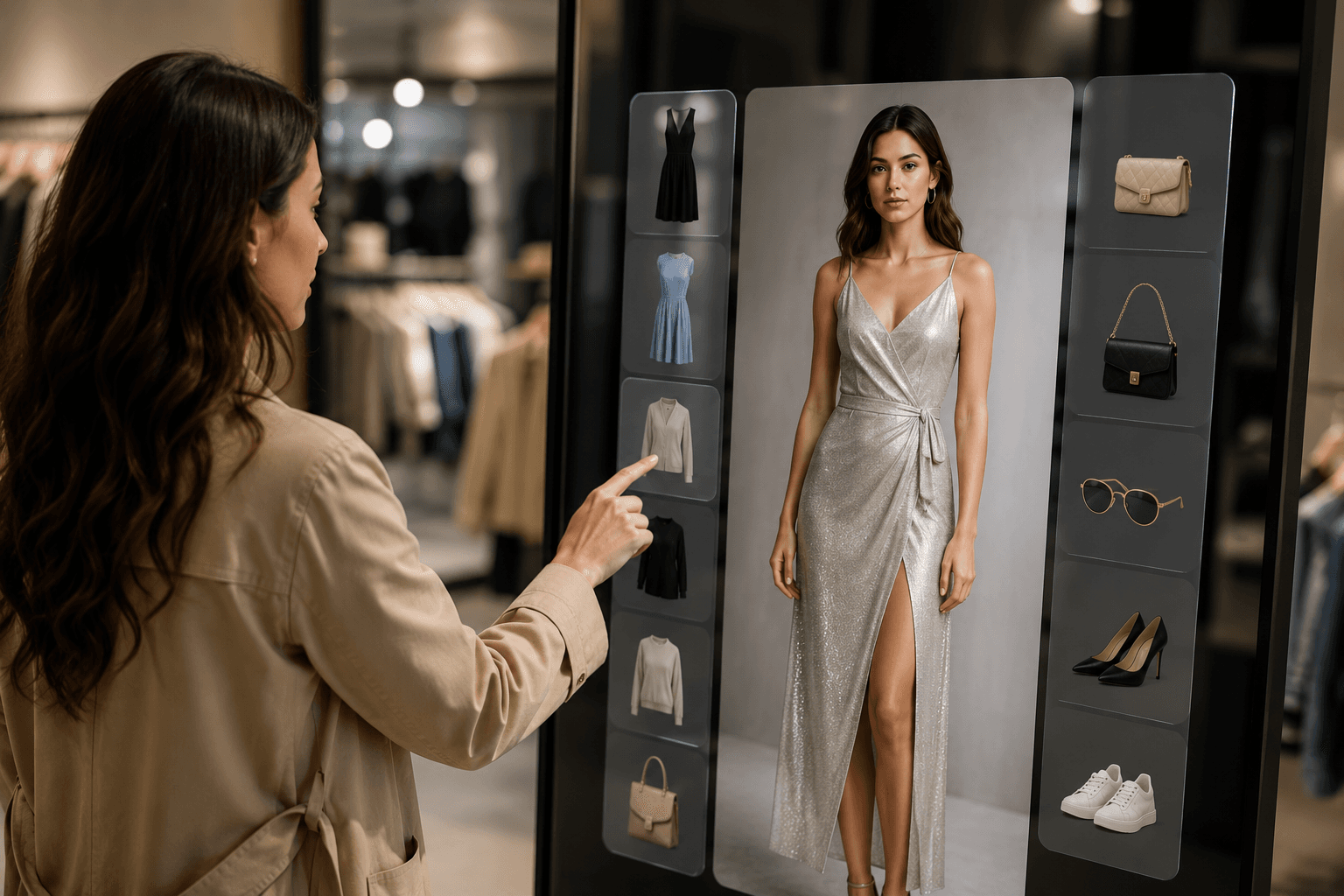
The Future of Virtual Try-On: AI Models, Clothing & Accessories
The fashion industry is rapidly moving toward digital experiences powered by artificial intelligence. One of the biggest innovations transforming online fashion shopping and production is AI virtual try-on technology.
How Fashion Brands Can Reduce Production Costs Using AI Fashion Studios
The fashion industry is becoming more competitive, faster, and increasingly digital. AI fashion studios allow brands to generate realistic fashion models, create virtual try-ons, produce campaign visuals, and generate AI fashion videos without traditional production limitations.